
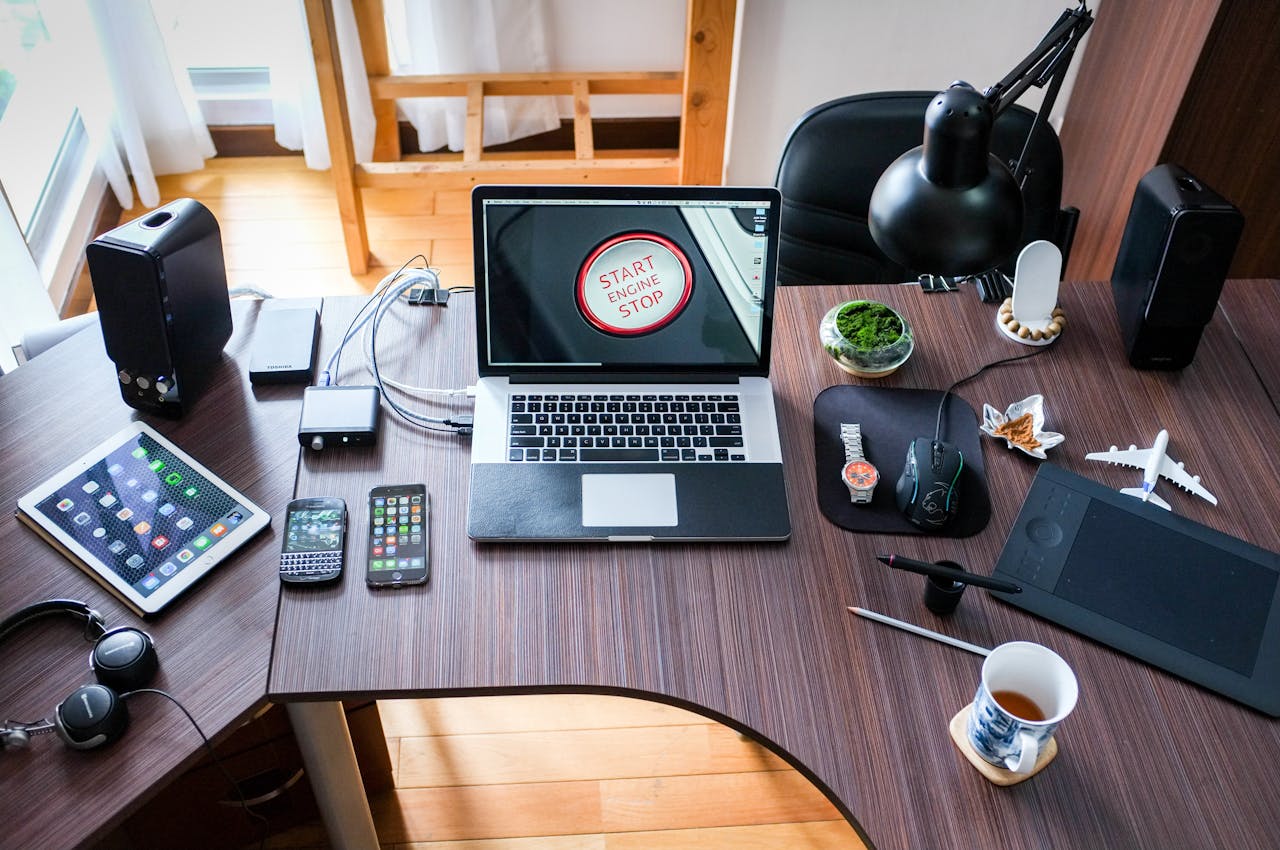


When you’re gearing up for a move, packing and moving electronics requires special attention. These items are not only valuable but also extremely delicate. Proper techniques are essential to ensure that your electronic devices such as computers, tablets, and home entertainment systems arrive safely at your new destination. Verified Movers offers practical tips and step-by-step guidance to help you manage the process efficiently. We’ll cover everything from initial preparation to the final setup in your new home, ensuring that your electronics are packed, moved, and reassembled with care. Let’s ensure your digital life transitions as easily as the rest of your belongings.
Prepare Ahead of Time
Preparing ahead of time is crucial when packing and moving electronics. From finding and hiring a group of reliable movers, to picking the best possible moving date, you have to deal with a lot of elements of your move. Start by collecting all the necessary supplies to ensure an easy packing process. You will need sturdy boxes that can support the weight and delicacy of electronic items. Also, anti-static bubble wrap is essential for protecting devices against static electricity, which can damage electronic components. Don’t forget to have plenty of packing tape on hand for securing the wraps and sealing the boxes, and labels to clearly mark the contents.
Having these packing materials ready before you begin packing can significantly streamline your efforts. It reduces the likelihood of damage during transit and makes unpacking at your new home much easier. Plan to purchase these supplies early to avoid last-minute rushes and potential shortages at supply stores. Moreover, consider the size and quantity of your electronics to determine how much of each material you will need. This preparation step not only protects your valuable electronics but also sets the stage for an organized and efficient move. Remember, a little prep work goes a long way in easing the stress of moving day.
Back Up Your Data
Backing up your data is a vital step before packing and moving electronics and hiring cross country movers Rhode Island, for example. Ensure the safety of your personal information on devices like computers, tablets, and smartphones. Use cloud storage services or external hard drives for this purpose. Backing up to the cloud offers accessibility from anywhere, enhancing convenience after your move. External drives provide a physical copy, which is handy if internet access is disrupted.
This precautionary measure protects against the loss of important files and documents in case any device is damaged during the move. Start this process well in advance to cover all your devices without rushing. Check each backup for completeness and ensure that all files are accessible from the backup sources.
Remember, while packing might protect your physical devices, only a data backup can safeguard the information within them. Thus, treating data backup as a priority will save you from potential headaches of data recovery later. This step is not just about preserving data; it’s about ensuring continuity in your personal and professional life as you transition to a new environment.
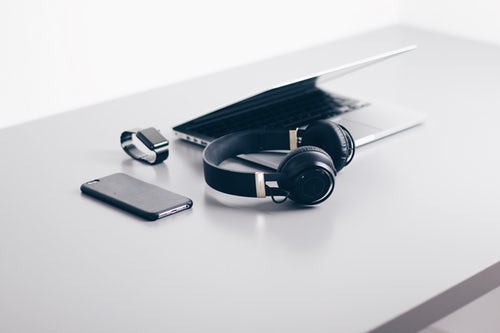
Remove Batteries and Cords Before Packing and Moving Electronics
When preparing your electronics for a move, it’s crucial to detach batteries and remove all cords and cables. Removing batteries eliminates any risk of fire, especially under conditions where electronics may be subjected to pressure or temperature changes. This step is simple but vital for the safety of your belongings.
For the cords and cables, organization is key. As you disconnect each one, label it clearly or use color-coded stickers. This method ensures that you can easily identify which cable belongs to which device later. It’s a small step that can significantly cut down on setup time at your new home, preventing the frustration of untangling wires and guessing connections. Keep all cables and accessories together in a labeled bag or box. This organization prevents loss and damage. For extra safety, wrap cords loosely in bubble wrap or a similar protective material to prevent bending or fraying during transport. Taking these steps not only secures your electronics during the move but also streamlines the unpacking process after the move.
Use Original Packaging When Possible
When packing your electronics for a move, using the original packaging whenever possible is the best approach. These boxes were specifically designed to fit and protect your devices during transport. They often include custom foam inserts that snugly secure the electronics, greatly reducing the risk of movement and impact damage.
If you no longer have the original boxes, try to find boxes that are a close fit to the size of your electronics. This minimizes the amount of empty space around the items, which helps prevent shifting and bumping during the move. Supplement these boxes with plenty of padding materials like bubble wrap or packing peanuts to add an extra layer of protection.
Taking the time to properly secure your electronics can save you from potential costly damages and the hassle of replacing important devices. Remember, the goal is to keep your electronics in the same condition from the old home to the new. This step is crucial in ensuring that your valuable gadgets arrive safely and are ready to be set up in your new space without issues.
Wrap Screens and Monitors
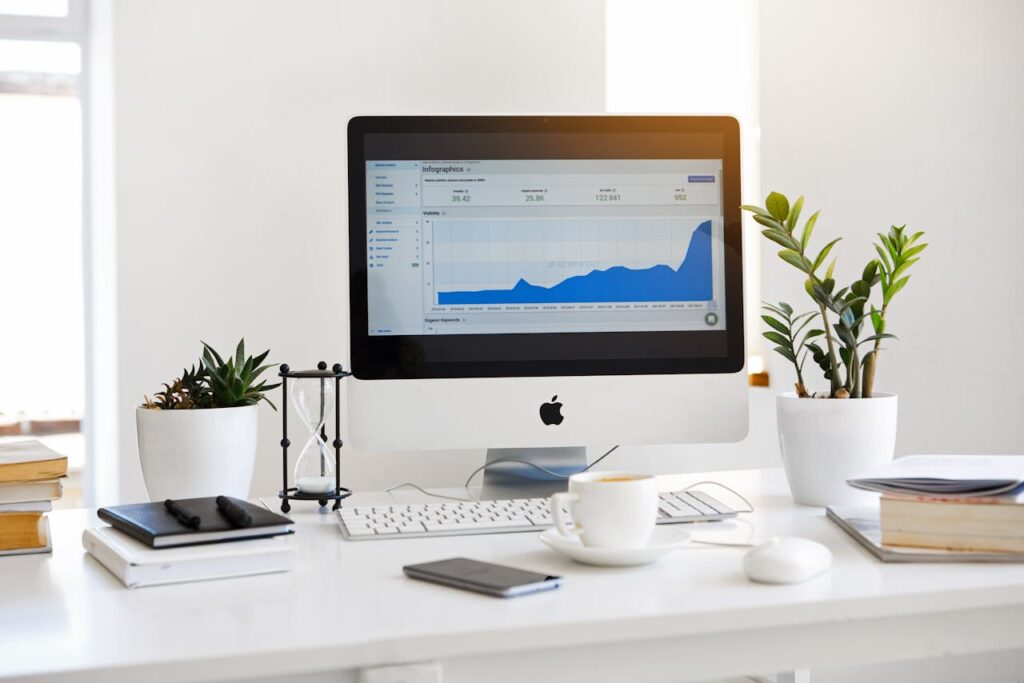
When moving your home office, wrapping your screens and monitors carefully is crucial when preparing for a move. These items are especially vulnerable to scratches and cracks, which can be costly to repair. Start by using anti-static bubble wrap, which not only cushions the screen but also prevents static electricity that can damage electronic components. Wrap each screen generously, ensuring that every inch is covered.
After wrapping, secure the bubble wrap with strong packing tape. This holds the protection in place and adds an extra layer of security against impacts during transit. Ensure that the entire surface, including corners and edges, is fully cushioned to absorb any shocks.
For added protection, consider placing wrapped screens between layers of soft, thick blankets or inside flat-screen TV boxes that offer additional structural support. Taking these precautions helps guarantee that your monitors arrive at your new home in perfect working condition, ready to be set back up without missing a beat.
Pack Tightly but Carefully
Packing your electronics tightly yet carefully is essential to prevent movement inside the boxes during transit. Start by placing your wrapped devices into the box and assess any remaining space. Fill these gaps with bubble wrap, foam, or even towels to create a snug fit. This cushioning prevents your electronics from shifting, which could lead to scratches or internal damage.
However, it’s important to avoid overpacking. Stuffing boxes too tightly can put undue pressure on your electronics, potentially causing harm to screens or casings. Strike a balance between tight packing and allowing a little room for the packing materials to do their job—cushioning and protecting your items.
Label Everything
Labeling everything accurately is a critical step when packing and moving electronics. Clearly mark each box with the contents and the specific room it should go to in your new home. This practice not only simplifies the unpacking process but also helps you and your movers know where each item belongs, streamlining the entire moving day.
Also, it’s crucial to add “Fragile” or “Handle with Care” labels to any box containing electronics. These alerts inform everyone handling the boxes that the items inside are delicate and need extra caution. This step can significantly reduce the risk of damage during handling and transportation.
By taking the time to label each box carefully, you ensure that your valuable electronics are treated with the care they deserve. Moreover, this organization makes setting up your new space quicker and more efficient, as each box can go directly to its intended location. Remember, a little effort in labeling can save a lot of time and trouble later. It can help to store electronics safely after a move, too.
Take Photos Before Packing and Moving Electronics
Taking photos of your electronics before packing them is a smart move. This step provides a clear visual reference of the condition and setup of each item. When you arrive at your new home, these photos will guide you in reconnecting your devices just as they were. It’s like having a blueprint for setting up your electronic landscape quickly and accurately.
Photographs are also invaluable for insurance purposes. Should any item suffer damage during the move, having detailed pre-move pictures can simplify the process of filing a claim. They serve as proof of the item’s earlier condition, helping you to potentially receive compensation or replacements more smoothly.
Moreover, documenting your electronics can help in keeping track of what you have. This ensures that all your gadgets arrive at the destination, and nothing gets lost in the shuffle. So, grab your camera or smartphone and take a few moments to snap pictures from different angles. This simple action adds an extra layer of security and efficiency to your moving process, making it a bit less stressful and a lot more organized.
Consider Climate Control
When moving in extreme weather conditions, using a climate-controlled moving vehicle can be crucial for protecting your electronics. These devices are highly sensitive to temperature changes and humidity, which can lead to severe damage that is often irreversible. For instance, cold temperatures can cause internal components to freeze and crack, while excessive heat might warp parts or melt soldering, leading to device failure.
Opting for climate control ensures that your electronics are kept at a stable temperature and humidity level throughout the transit. This not only preserves the physical integrity of your gadgets but also their functionality and lifespan. While this option might come at a higher cost, the investment is worth it considering the value and importance of your electronics.
So, if you’re planning a move and know you’ll encounter extreme weather, don’t overlook the benefits of climate-controlled transportation. It’s a proactive step that protects your investments and provides peace of mind during the transition to your new home. Verified Movers can also help you find movers who offer this kind of vehicles. Read our story and see how we can help you.
Keep Important Electronics With You
For highly valuable or essential electronics, such as laptops or hard drives, it’s best to keep these items with you during the move. Transporting these critical pieces in your personal vehicle can provide peace of mind, ensuring they remain safe and secure. These devices often contain sensitive data or are necessary for daily operations, making their protection a top priority.
By personally overseeing their transport, you eliminate the risk of loss or damage that could occur in a moving truck. This approach allows you to monitor temperature conditions and handle the items with care. Also, having immediate access to these important electronics can be crucial if you need to retrieve information or resume work quickly after arriving at your new home.
Remember, while professional movers handle most of your belongings, taking personal responsibility for your most crucial electronics safeguards your investment and keeps essential data within reach. This strategy not only protects your devices but also ensures you can hit the ground running without delays in setting up your new space.
Check Your Insurance When Packing and Moving Electronics
Before you begin your moving process, it’s essential to check whether your home insurance or moving insurance covers electronics. Many policies include coverage for such items, but the terms and extent of coverage can vary significantly. Ensuring your electronics are protected provides an additional layer of security and peace of mind against potential losses. In case of accidental damage or theft during the move, knowing that you have insurance coverage can relieve a great deal of stress.
Contact your insurance provider to clarify the details of your moving insurance coverage. Ask specifically about deductibles, limits, and if there are any exclusions related to moving. If your current policy doesn’t offer adequate protection for your electronics, consider purchasing additional moving insurance. This step is especially important for high-value items that could be costly to replace.
Taking the time to understand and secure the right insurance coverage before moving day can save you from unexpected financial burdens. This proactive approach ensures that you are well-prepared and can focus on a successful transition to your new home.

Set Up Carefully at Your New Home
When settling in after a long distance move, take the time to set up your electronics with care. Begin by unpacking each item slowly, inspecting them to ensure there is no visible damage. Use the photos you took before packing as a guide to reconnect and set up your devices in their designated spots. This careful approach prevents mishaps and ensures everything is functioning as expected.
Position your electronics in their proper places, considering the layout of each room and the availability of power outlets. It’s helpful to keep the labels you made earlier in hand, as they will guide you in quickly identifying which cables and accessories belong to each device.
Taking these steps not only helps in organizing your new space efficiently but also minimizes the risk of damage from hurried setups. Remember, a well-thought-out arrangement of your electronics can enhance both functionality and comfort in your new living space.
Additional Tips for Packing and Moving Electronics
When packing and moving electronics, a few additional tips can make a significant difference in ensuring their safety and functionality in your new home. Here are some key pointers to keep in mind:
- Keep screws and small parts safe: When disassembling electronics, place screws and other small components in labeled plastic bags. Tape these bags to the corresponding device or store them in a designated “parts box.”
- Use silica gel packs: To combat moisture, which can be a major threat to electronics, toss a few silica gel packs into the boxes. This helps keep the internal environment dry, especially important during long-distance moves or storage periods.
- Avoid newspaper for packing: Instead of using newspaper, which can smear ink and isn’t very cushioning, opt for anti-static foam or specifically designed electronics packing materials.
- Take a photo of wiring: Before disconnecting any wires, take a photo of the setup. This snapshot will be invaluable when reconnecting devices in your new location.
By following these tips, you can streamline the packing and moving process for your electronics. This careful preparation ensures your devices are set up easily and ready to use as soon as you’re settled in your new home.

Move Your Electronics With Ease!
Packing and moving electronics doesn’t have to be a source of stress if you follow the right steps. By preparing properly, using the correct materials, and taking the time to label and document everything, you ensure the safety and ready-to-use setup of your devices at your new home. Remember to back up your data, use original packaging whenever possible, and handle each item with care. By considering factors like temperature control and taking personal charge of highly sensitive electronics, you mitigate risks and enhance the security of your valuable devices. Follow these guidelines to make your move easy and keep your electronics in top condition, ready for a fresh start in your new space!